Pictures and Video Addition to Listings
Many people ask, How can I add a video to my business listing? How can I add pictures to my business listing? Well don’t be frazzled, we can help. See below.
Adding Pictures
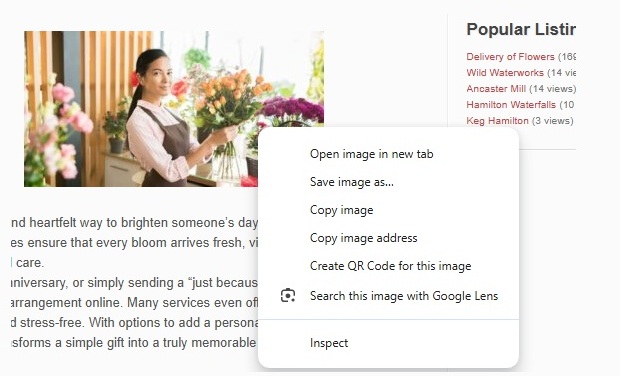
- Right Click on the image you want on your website, and click copy image.
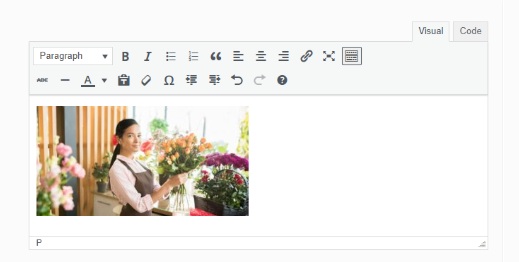
2. Go to the Business Listing Window and hit CTRL-V (or right click paste) under the Visual tab. Voila. You’ll see your image appear in your listing.
Adding Videos
To add videos, go to YouTube, and find your business video.
- Click Share

2. Then Click on Embed

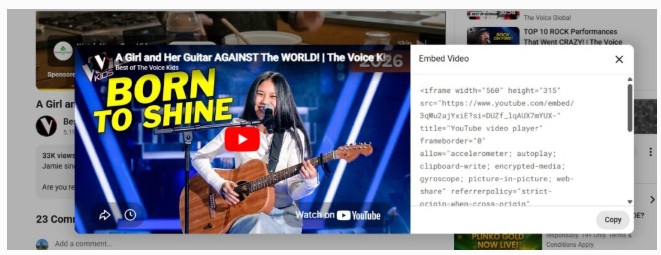
3.Copy the code you see beside your video. (Copy button at bottom below code, see image below.)
4. Make sure you are in code mode. (Tab upper right) and paste the code (CTRL-V) in the position where you want the video.
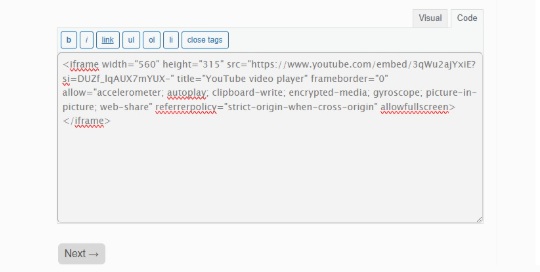
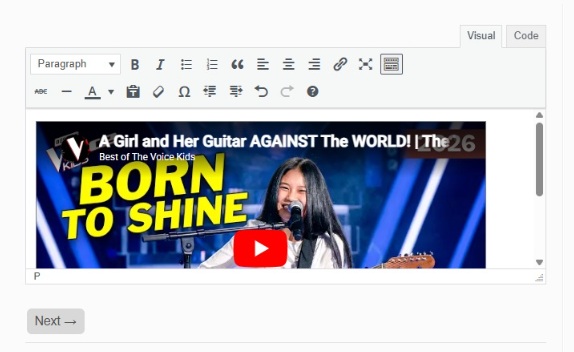
5. Click the visual tab and you’ll see the video you dropped. 🙂